The X bookmark library for iPhone
X saved it.XSaved
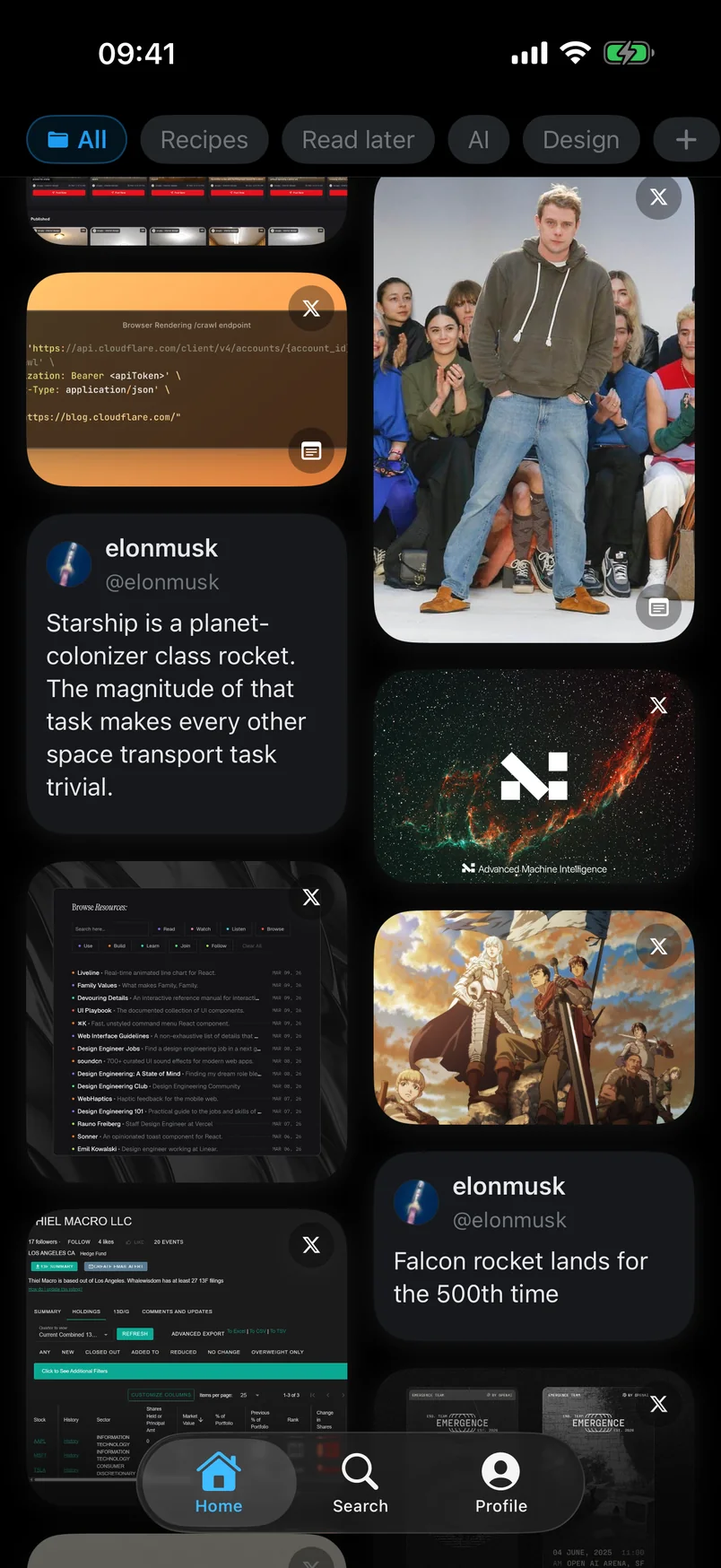
Import your bookmarks directly from X on your iPhone. Search by meaning, organize with folders, notes and tags, and clear the backlog with Tidy Up.
No desktop, extension, or X Premium required.
Direct import
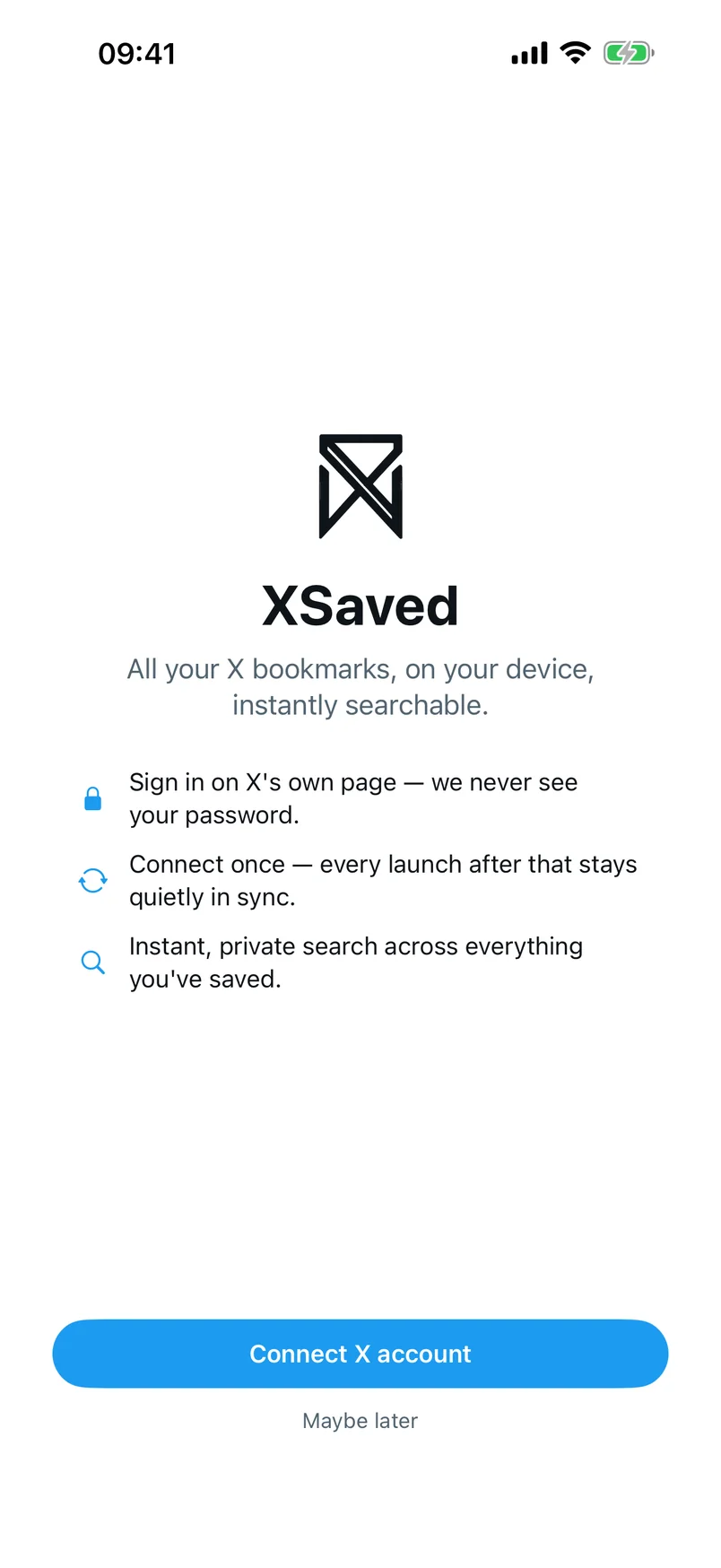
Sign in to X. Watch your library arrive.
XSaved signs in to X and imports your bookmarks directly on the iPhone. No desktop, no extension, no X Premium. Run more than one X account? Each one gets its own isolated library.
- No desktop
- No extension
- No X Premium
- One library per account
Tidy Up
Clear the backlog with a swipe.
Your backlog becomes a deck. Swipe one way to archive, the other to keep, up to file into a folder. Twenty decisions in a minute, not an afternoon. Archived saves stay recoverable until you say otherwise.
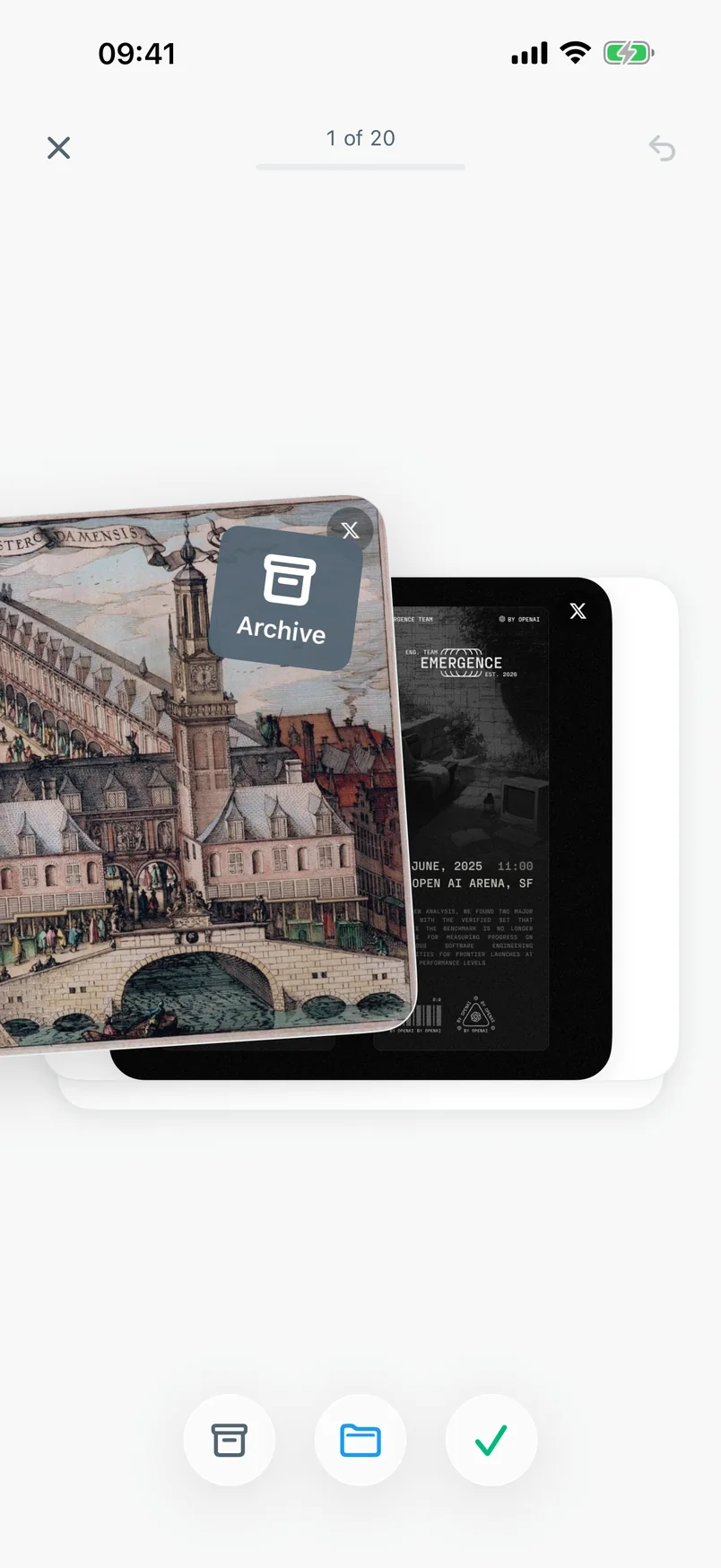
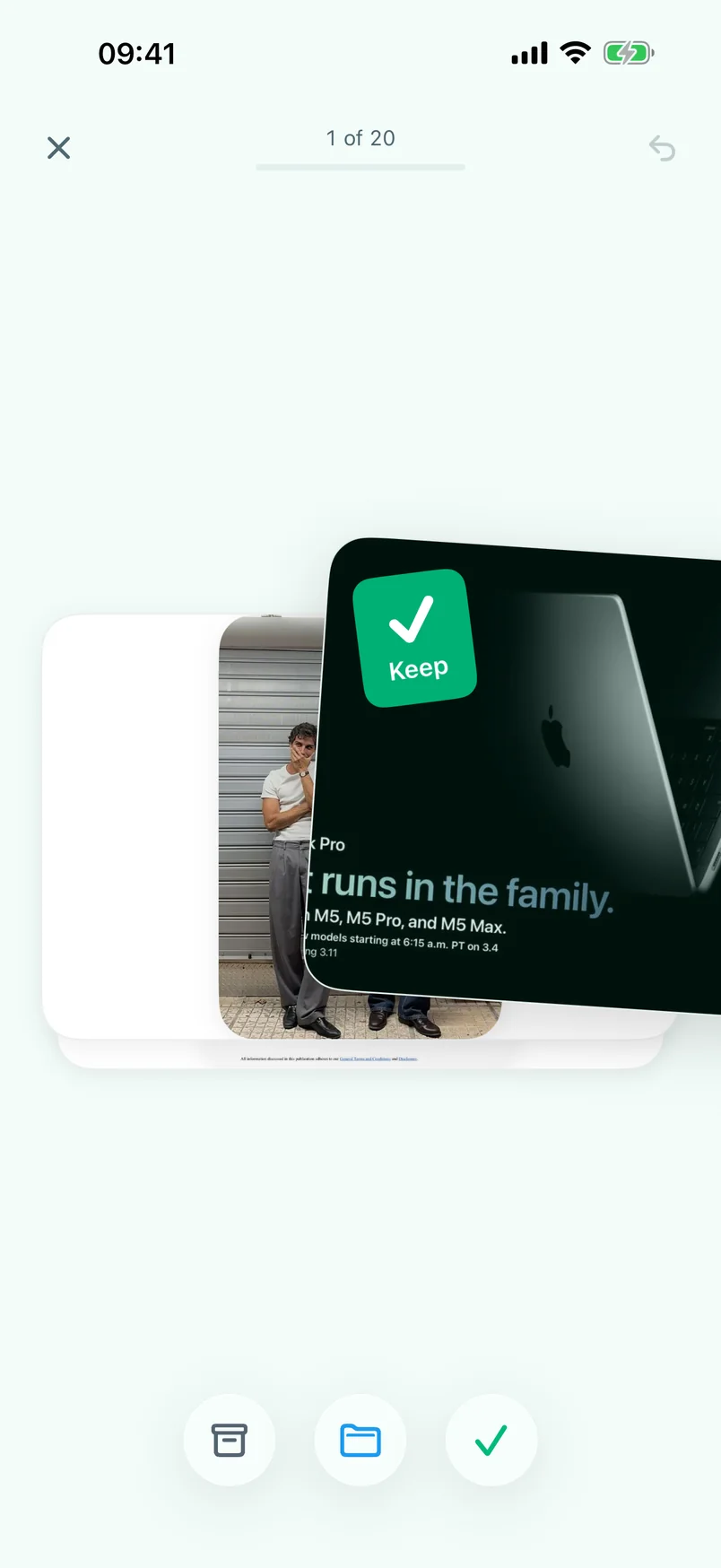

Deleting for good is always a separate, explicit choice.
Search
Search the words, or the meaning, you remember.
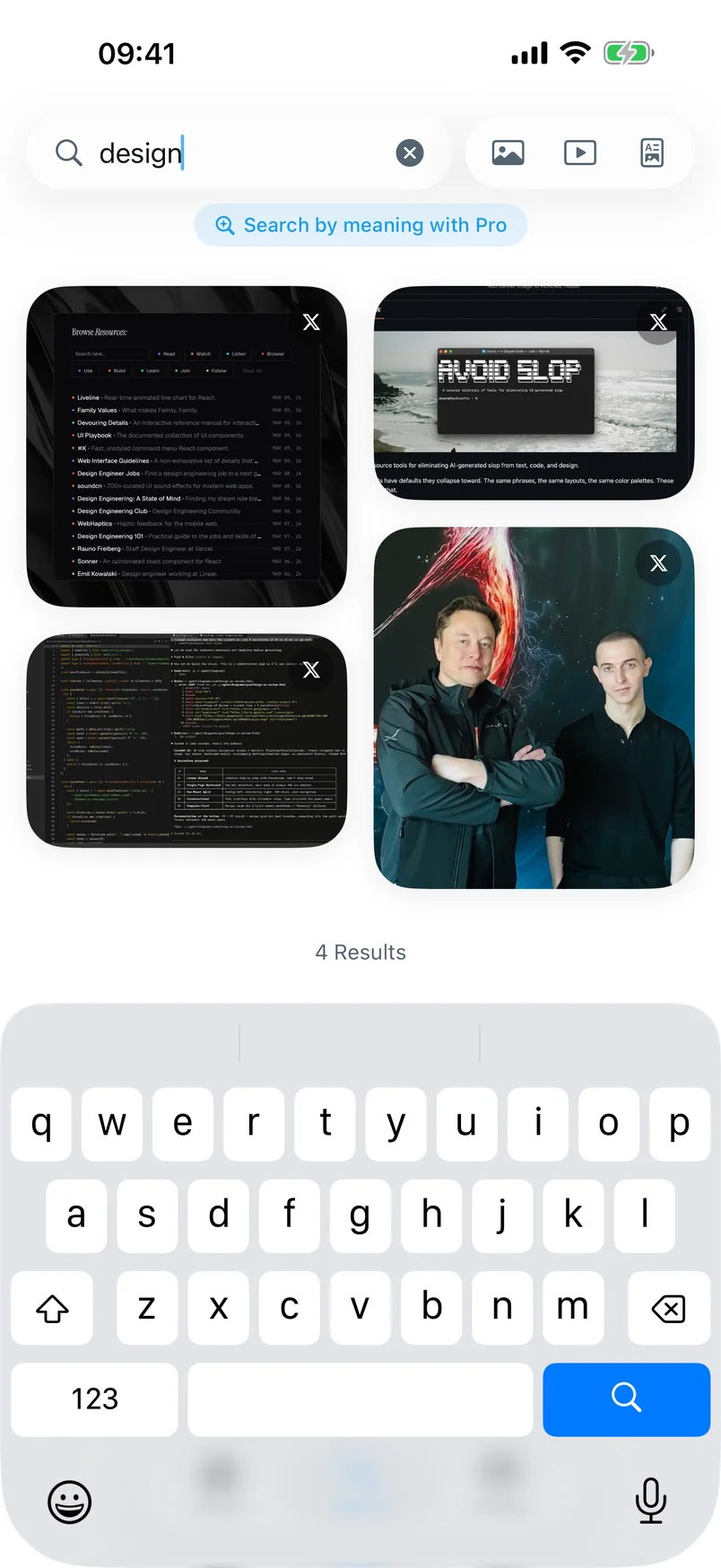
Type what you remember and keyword search finds it, free, across everything you’ve saved, including author and folder names. When all you have is the idea rather than the words, Pro searches by meaning.
Folders, notes & tags
Your folders. No X Premium.
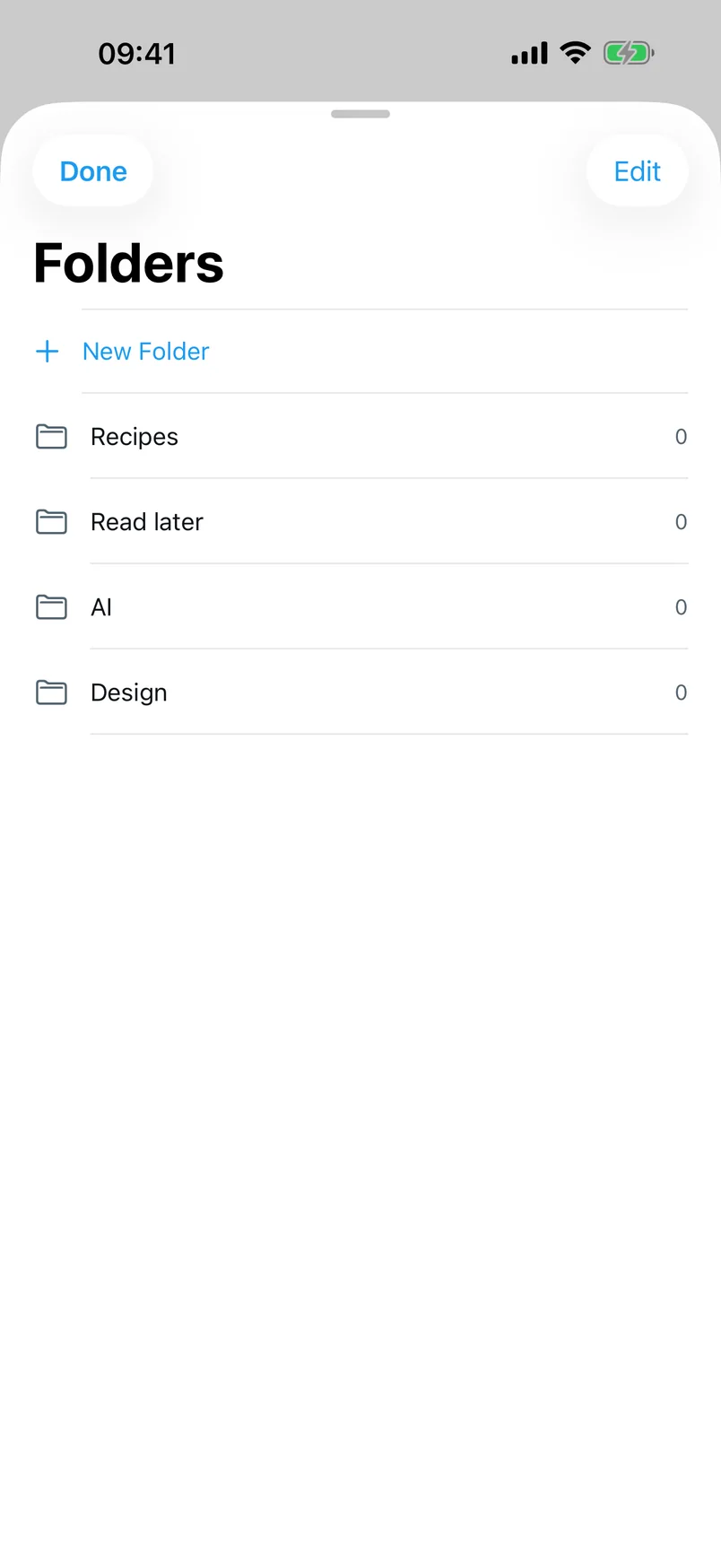
Create folders without paying for X Premium, then add the context X bookmarks are missing: a note in your own words, tags that group what X can’t. That’s how future-you finds things.

Authors
The people you keep coming back to.
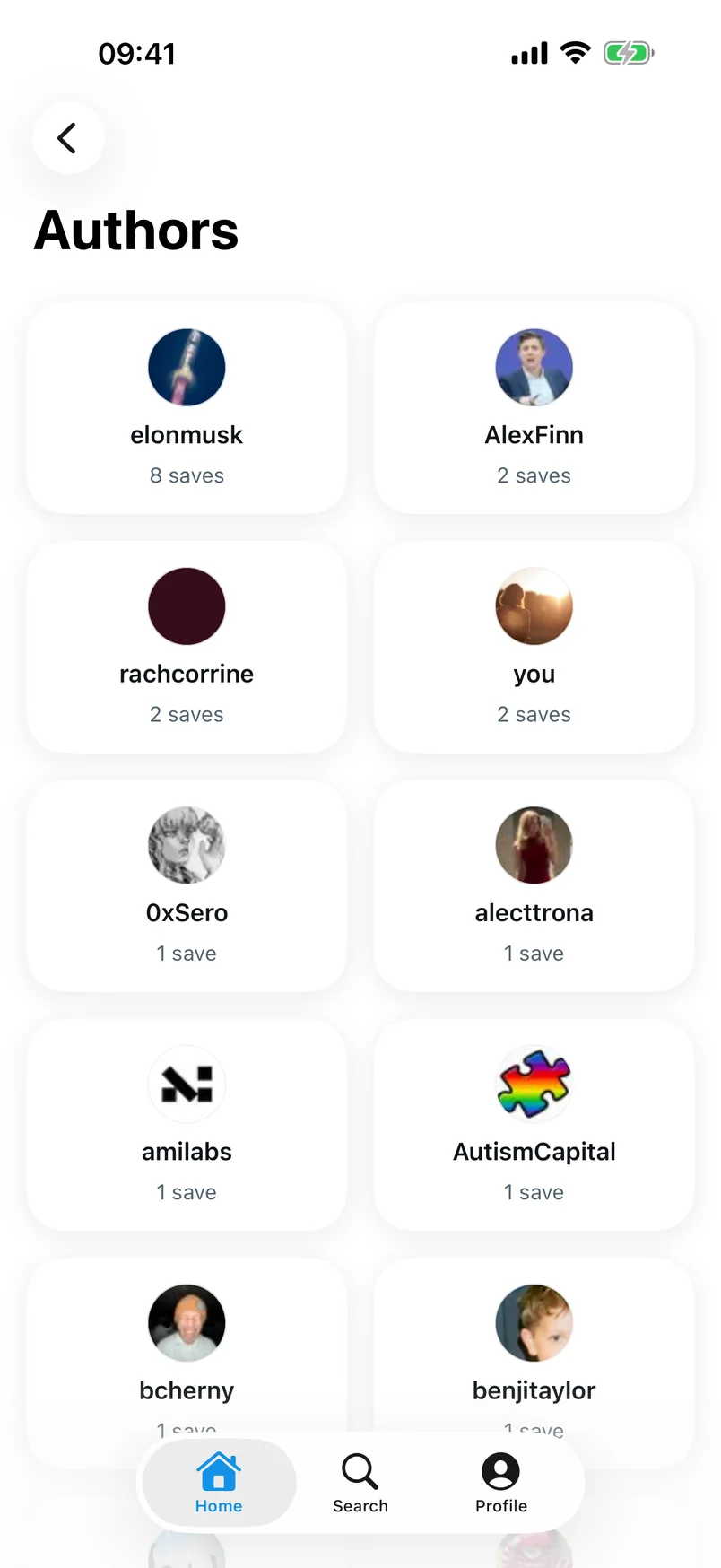
Some accounts quietly become your best sources. Authors ranks everyone you save from by how often they earn a place in your library, and a simple on-device summary gives each one context: who they are to you, at a glance. The clearest picture of whose work actually matters to you.
Author summaries are generated on your iPhone, on supported devices.
iPhone + Chrome
It follows you when you choose.
XSaved works entirely on your iPhone. Turn on an optional XSaved account and your whole library carries across devices: folders, notes, tags, all of it. Add the free Chrome extension when you want the same library on desktop. The iPhone app never depends on it.
iPhone · the complete library
Chrome · the free desktop companion
XSaved Pro
Upgrade the intelligence, not ownership.
Everything above is free. Pro is for when you want the library to understand itself.
Search by meaning
Describe the idea; Pro retrieves the post, even when no word matches.
Smart topics
Your library sorts itself into Smart topics. Turn one into a folder in a gesture.
Related saves
The useful connections hiding in your library, surfaced on every post.
On supported iPhones, topic stacks and authors also get on-device summaries.

Where your library lives
Local by default. Synced when you say so.
Local-only
Use XSaved without an account and your imported bookmarks live on your iPhone. Browsing, search, and organization run on the device.
With sync on
Create an XSaved account and your library and its organization are stored with XSaved so your devices can share it. Turn it off whenever you want.
The business model is Pro, not your data.
From the builder
I kept saving useful posts on X and almost never finding them again, so I built the iPhone library I wanted. Everything on this page is how the app actually works. No more, no less.
Aitor Gallardo (@gmsudo)

You saved it for a reason.
XSaved for iPhone is on the App Store. Put your library to work today.
No desktop, extension, or X Premium required. Built for iOS 26.